Building a Homelab for Cybersecurity Graduate Research
This project documents the ongoing build of a small-form-factor (SFF) homelab server housed in the beautiful Fractal Design Terra Jade case (with walnut front panel). The primary goals are a quiet, power-efficient, always-on system capable of:
- KVM virtualization
- Docker/Podman containers
- Development work and graduate research
- Network IDS/IPS using Suricata
Build Process Gallery
-
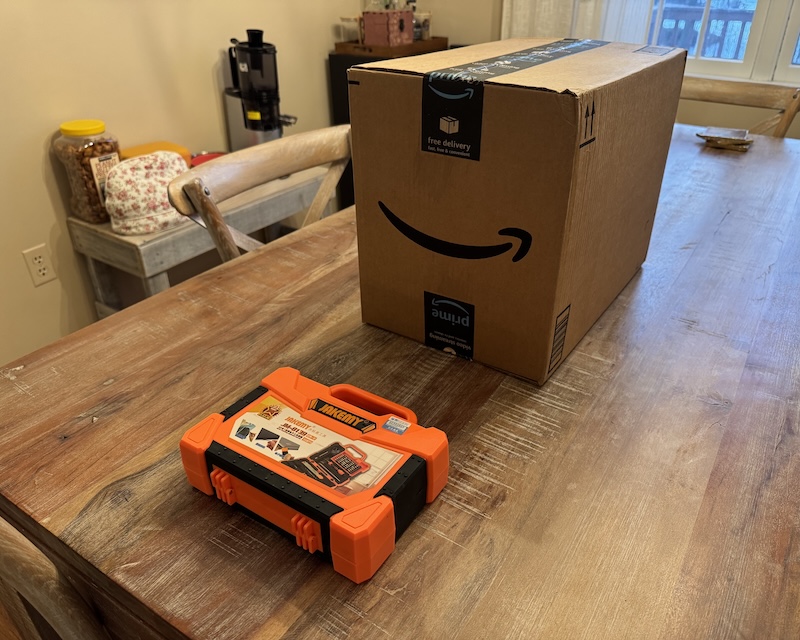 Box of Parts
All parts arrived safely. -
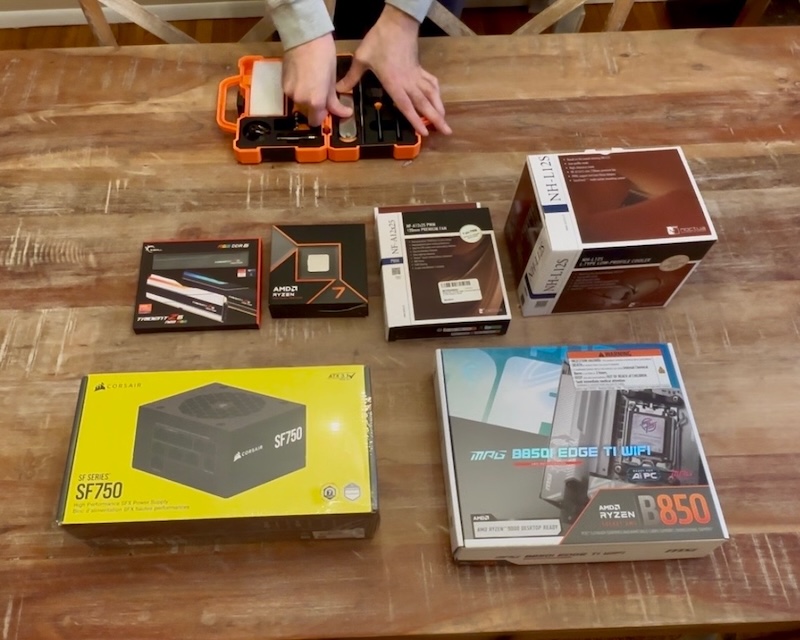 Unboxed Boxes
Core components revealed. -
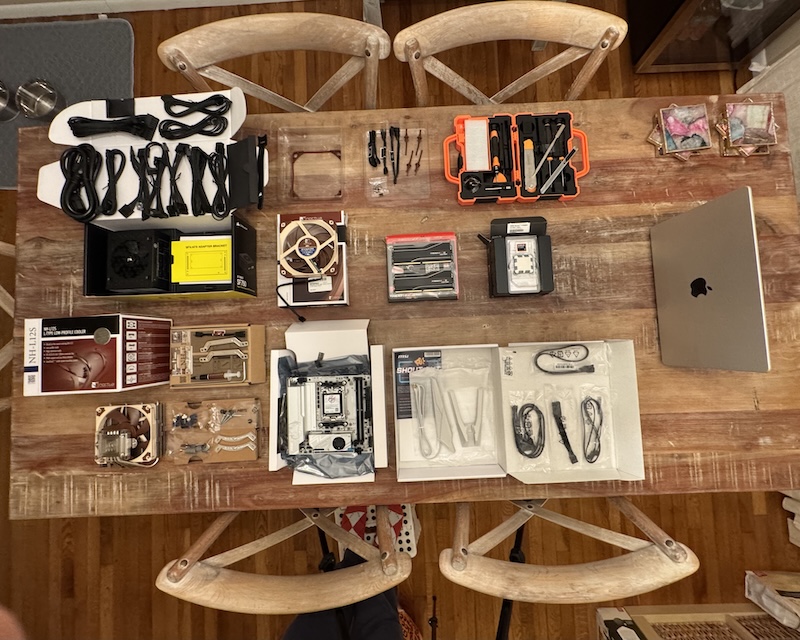 Boxes Unboxed
Everything laid out. -
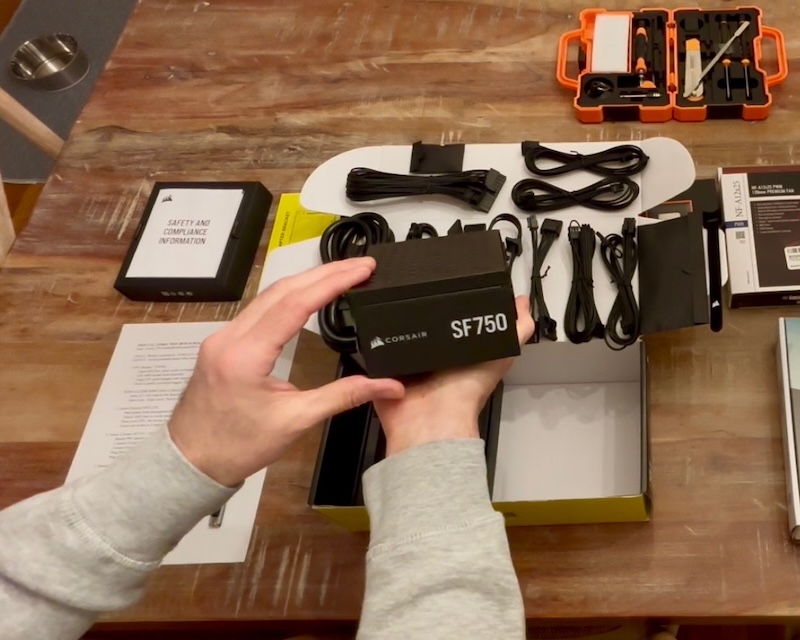 Corsair SF750
Corsair SF750 Platinum SFX. -
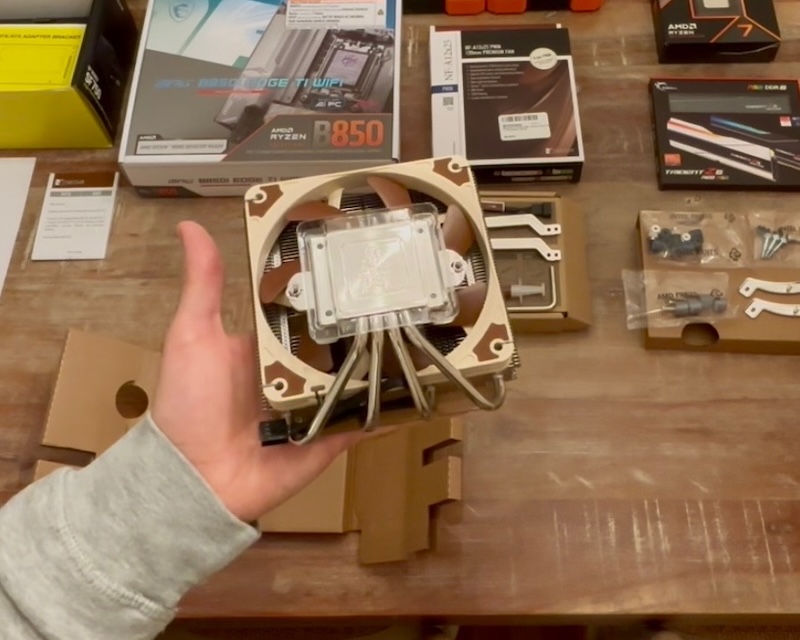 Noctua NH-L12S
Low-profile Noctua cooler. -
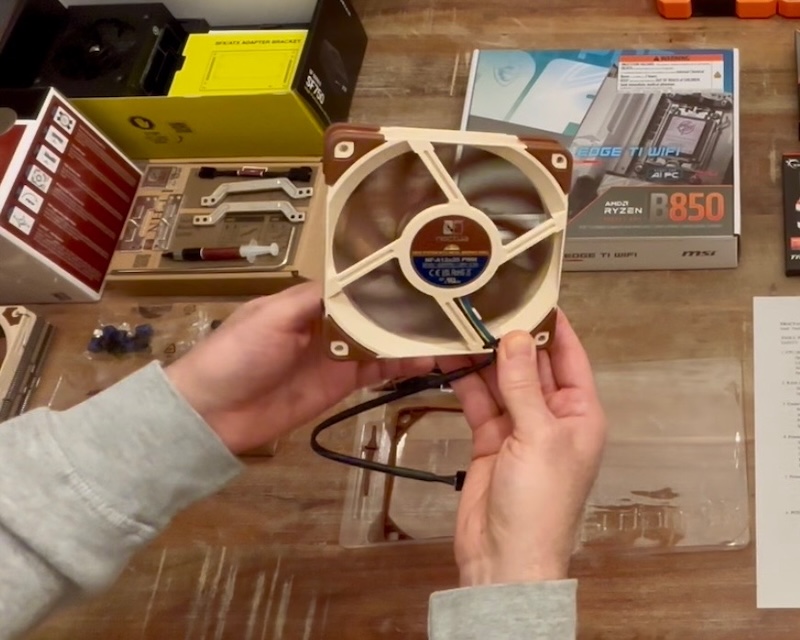 Noctua NF-A12x25
Premium 120mm case fan. -
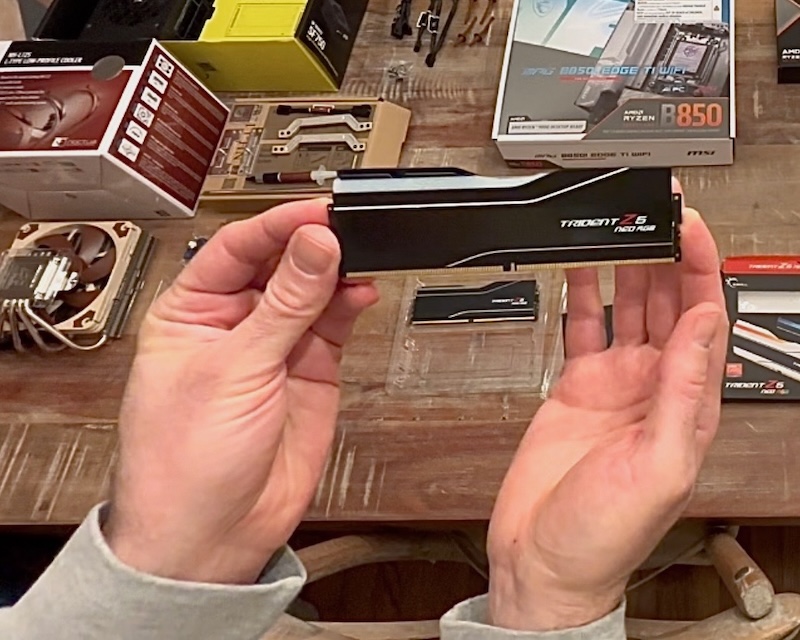 G.SKILL Trident Z5 Neo RGB
64GB DDR5-6000 kit. -
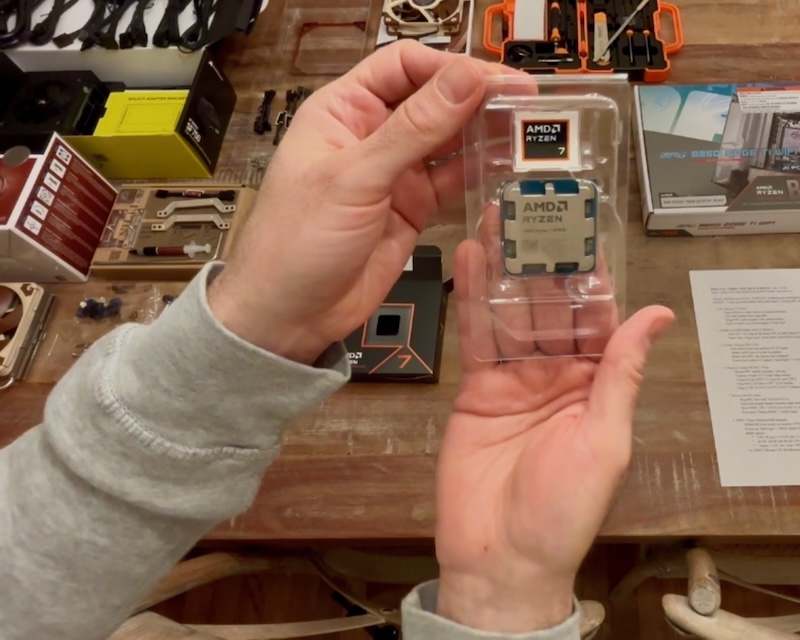 AMD Ryzen 7 9700X
Zen 5 8-core CPU. -
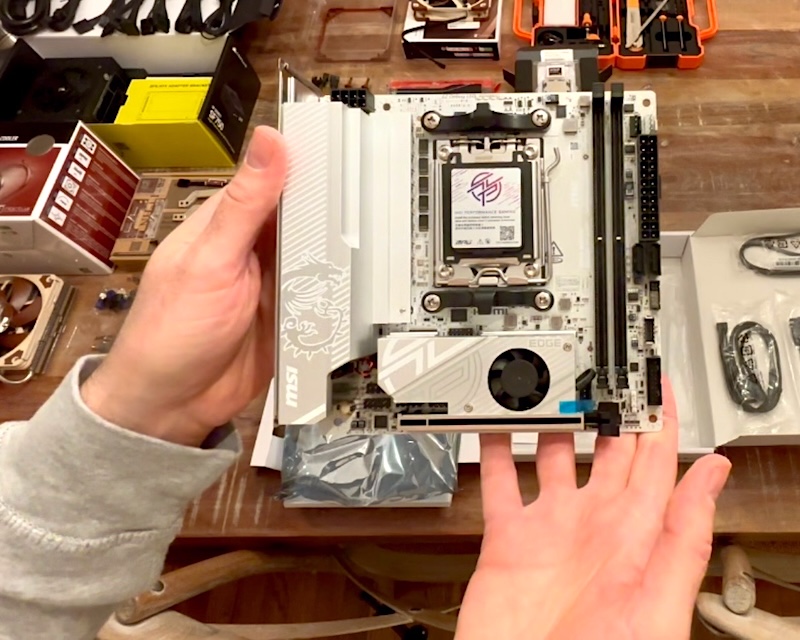 MSI MPG B850I Edge
Compact AM5 Mini-ITX board. -
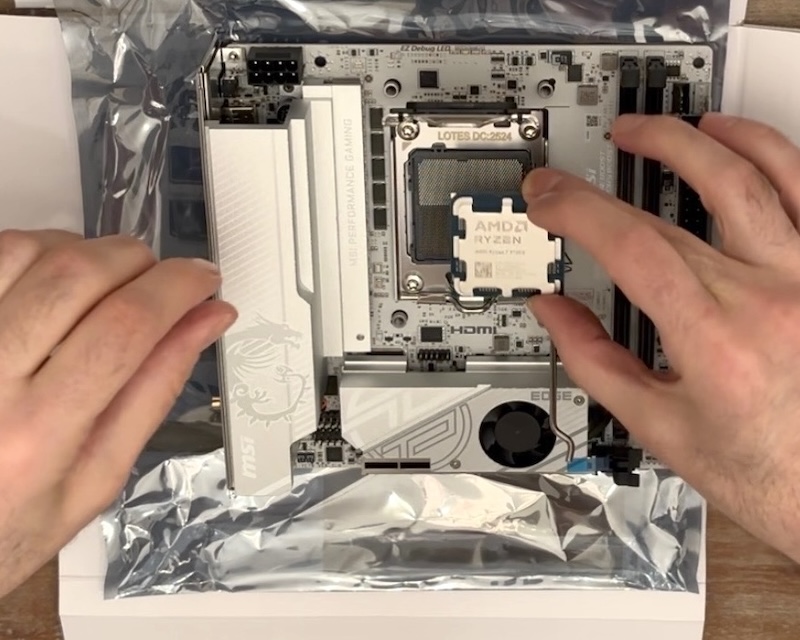 CPU Installation
Ryzen 7 9700X seated perfectly. -
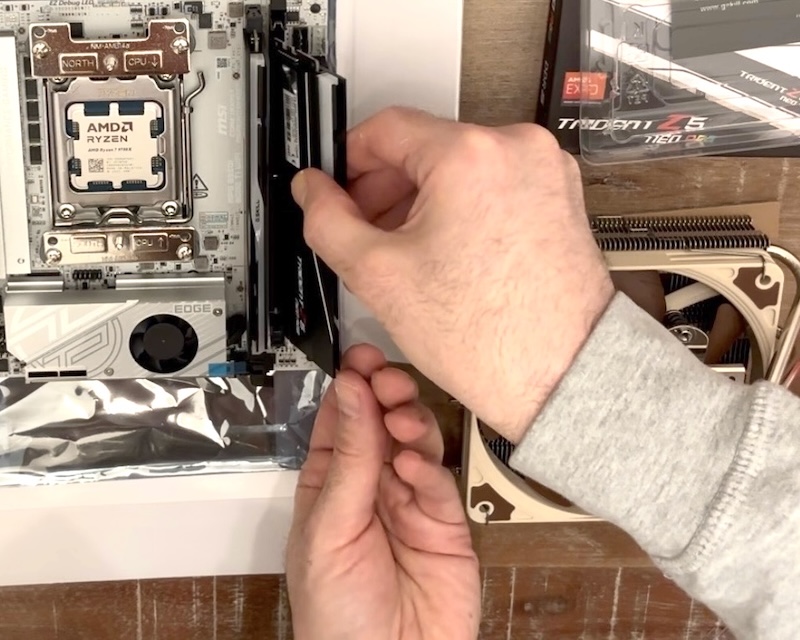 RAM Installation
64GB DDR5 clicked into place. -
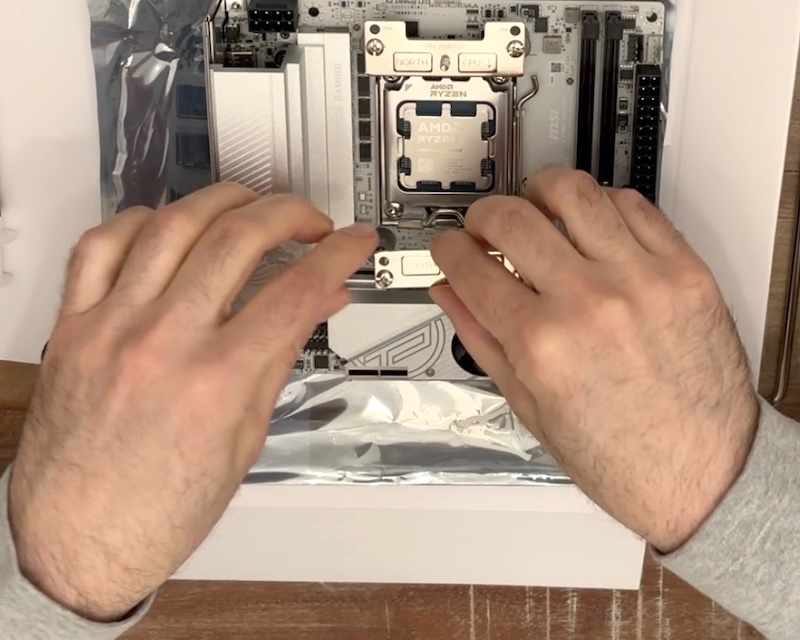 Cooler Brackets Installation
AM5 brackets secured tightly. -
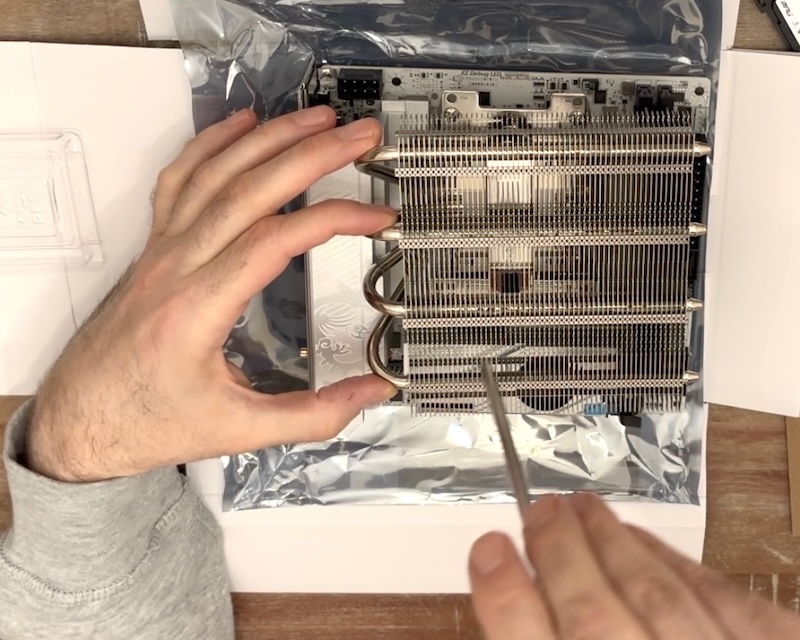 CPU Cooler Installation
Noctua NH-L12S fully mounted. -
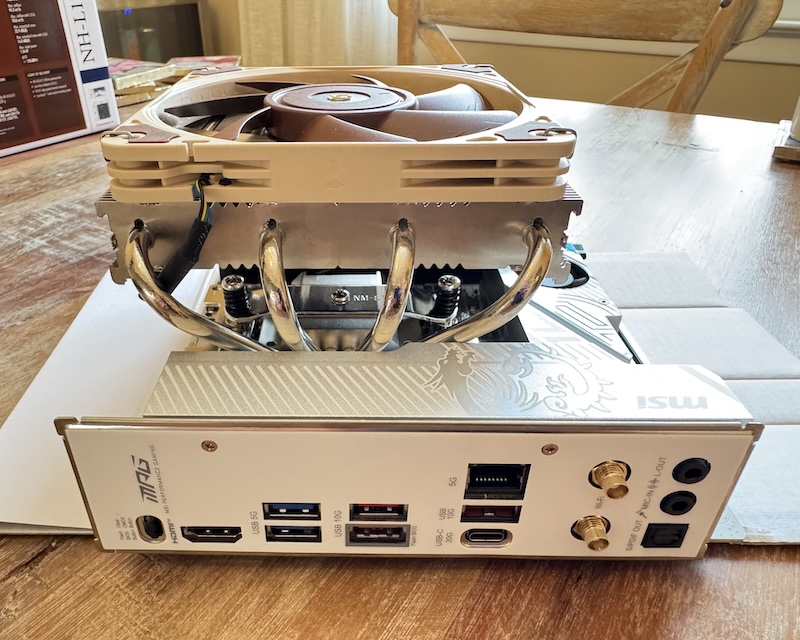 Core Assembly
CPU, RAM, and cooler united. -
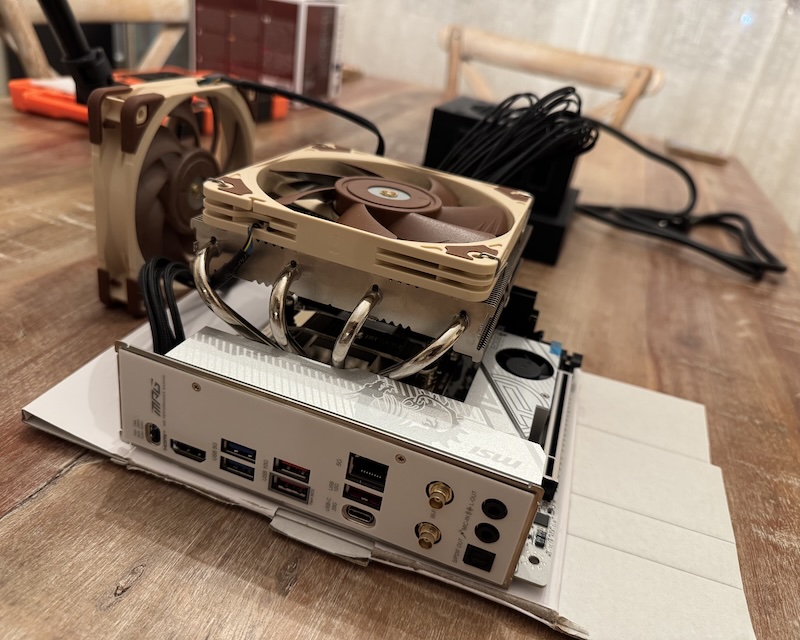 Test Bench Ready
Ready for first power-on. -
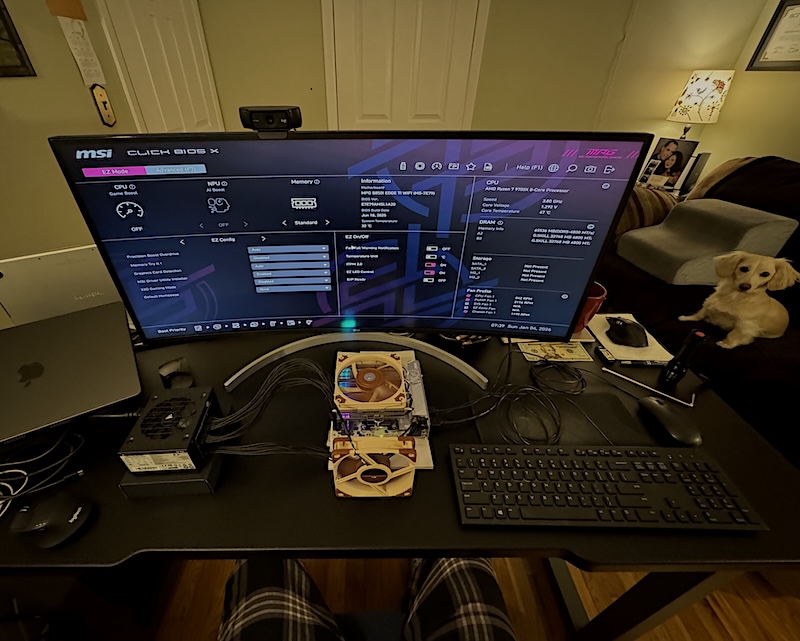 From Boxes to BIOS
First POST and BIOS entry. -
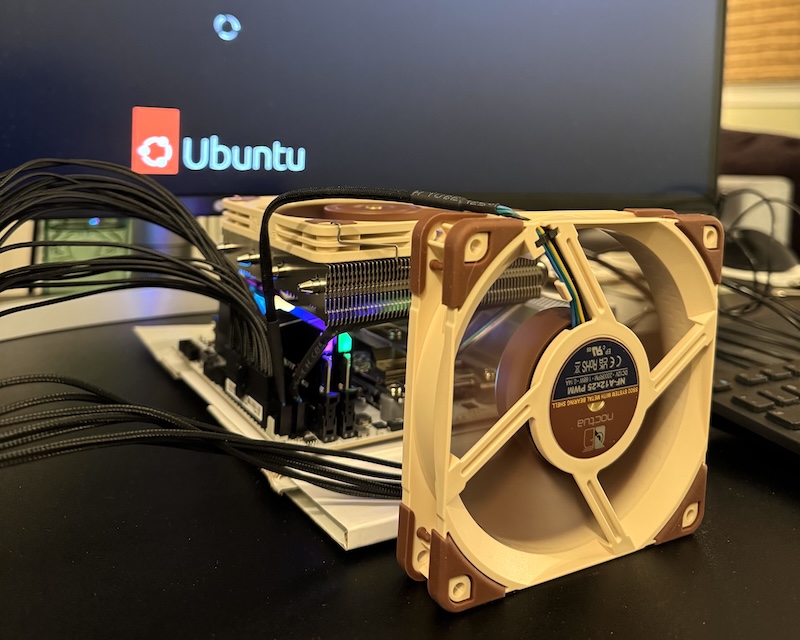 Ubuntu Live!
Ubuntu Live USB booted successfully. -
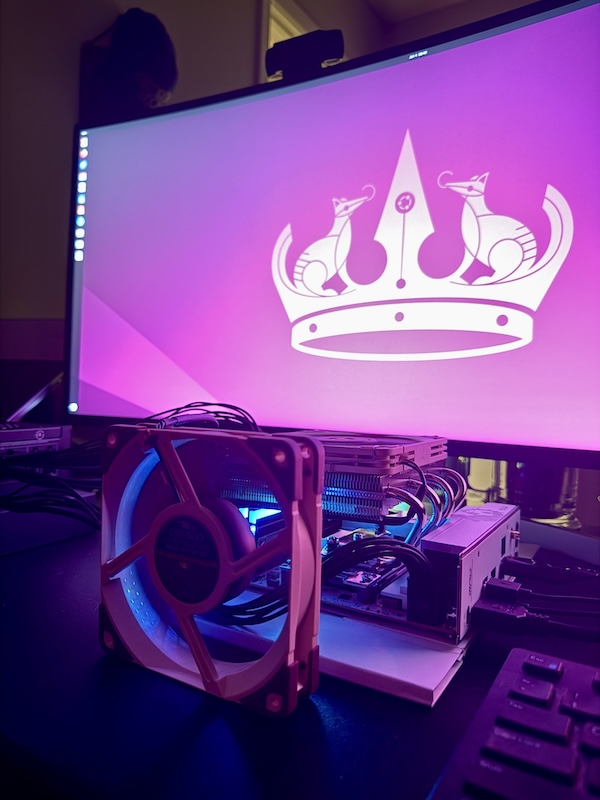
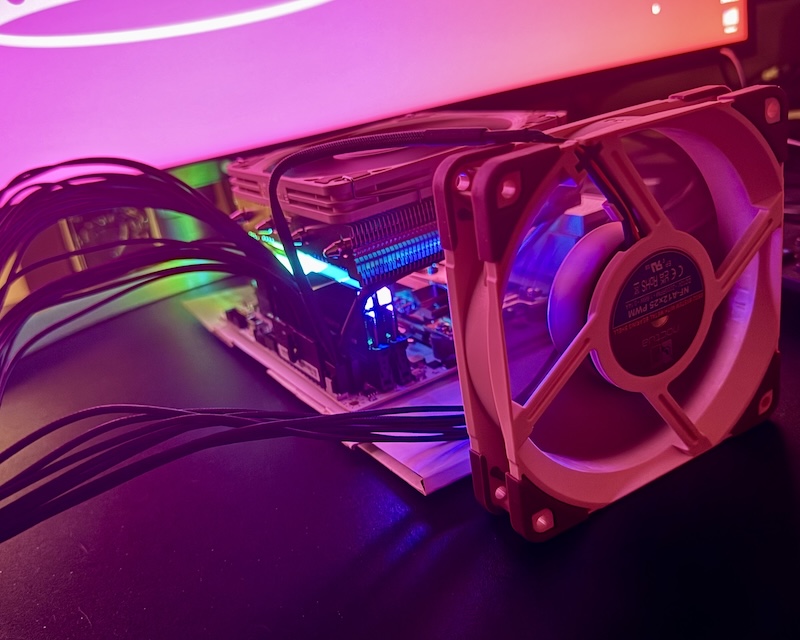 T-minus RGB...
RGB lit and desktop loaded.
Parts List
| # | Component | Details |
|---|---|---|
| 1 | Case | Fractal Design Terra Jade (walnut front panel) |
| 2 | CPU | AMD Ryzen 7 9700X (8-core/16-thread, 65W TDP) |
| 3 | CPU Cooler | Noctua NH-L12S (low-profile, 120mm fan) |
| 4 | Motherboard | MSI MPG B850I Edge Ti WiFi (AM5 Mini-ITX) |
| 5 | RAM | G.SKILL Trident Z5 Neo RGB 64GB (2×32GB) DDR5-6000 EXPO |
| 6 | Storage | Samsung 990 PRO 2TB PCIe Gen4 M.2 |
| 7 | PSU | Corsair SF750 (2024) 80+ Platinum SFX |
| 8 | Case Fans | 2× Noctua NF-A12x25 PWM (120mm) |
| 9 | Top Fan Bracket | 25mm thick Etsy bracket for second intake fan |
Build Progress So Far
I've received and unboxed the CPU, cooler, motherboard, RAM, PSU, and one case fan. Assembly started with an open-air test bench on cardboard to validate core components before final case installation.
- Installed Ryzen 7 9700X and RAM in slots A2/B2.
- Mounted NH-L12S with standard bars in diagonal orientation for VRM clearance.
- Switched the cooler fan to top position (intake blowing down) to ensure 44mm RAM clearance.
- Connected 24-pin ATX, 8-pin EPS, cooler fan to CPU_FAN header, and one case fan to SYS_FAN.
- First POST successful!

- Enabled AMD EXPO profile and High-Efficiency Mode in BIOS → Confirmed 6000 MT/s memory speed.
- Booted Ubuntu 24.04 LTS live USB.
- Ran
inxi,sensors, and a 5-minutestress-ng(16 threads) test: - Peak temperature: 50.6°C (open air)
- No thermal throttling or stability issues
The top fan bracket has arrived. Still awaiting the Terra case itself, the Samsung 990 PRO 2TB drive, and the second NF-A12x25 fan for final assembly and full Ubuntu installation.
The core system is now fully validated: stable, remarkably cool, and running at rated specifications on an open-air test bench. I'm excited to move everything into the beautiful Fractal Terra Jade case soon. Final assembly, meticulous cable management, Suricata IDS/IPS configuration, and full noise/power benchmarks are next once the remaining parts arrive.
Stay tuned for the completed build and real-world performance results!
Joe Hawley
Fortune 500 Director | CISSP
M.S. Cybersecurity Graduate Student @ Georgia Institute of Technology